Padel Pointer Studio · for match creators
Give every padel video a scoreboard.
Turn the score you record on Apple Watch into a polished padel scoreboard overlay for your match video. No manual point-by-point keyframing.
Built for recorded padel matches and post-production editing.
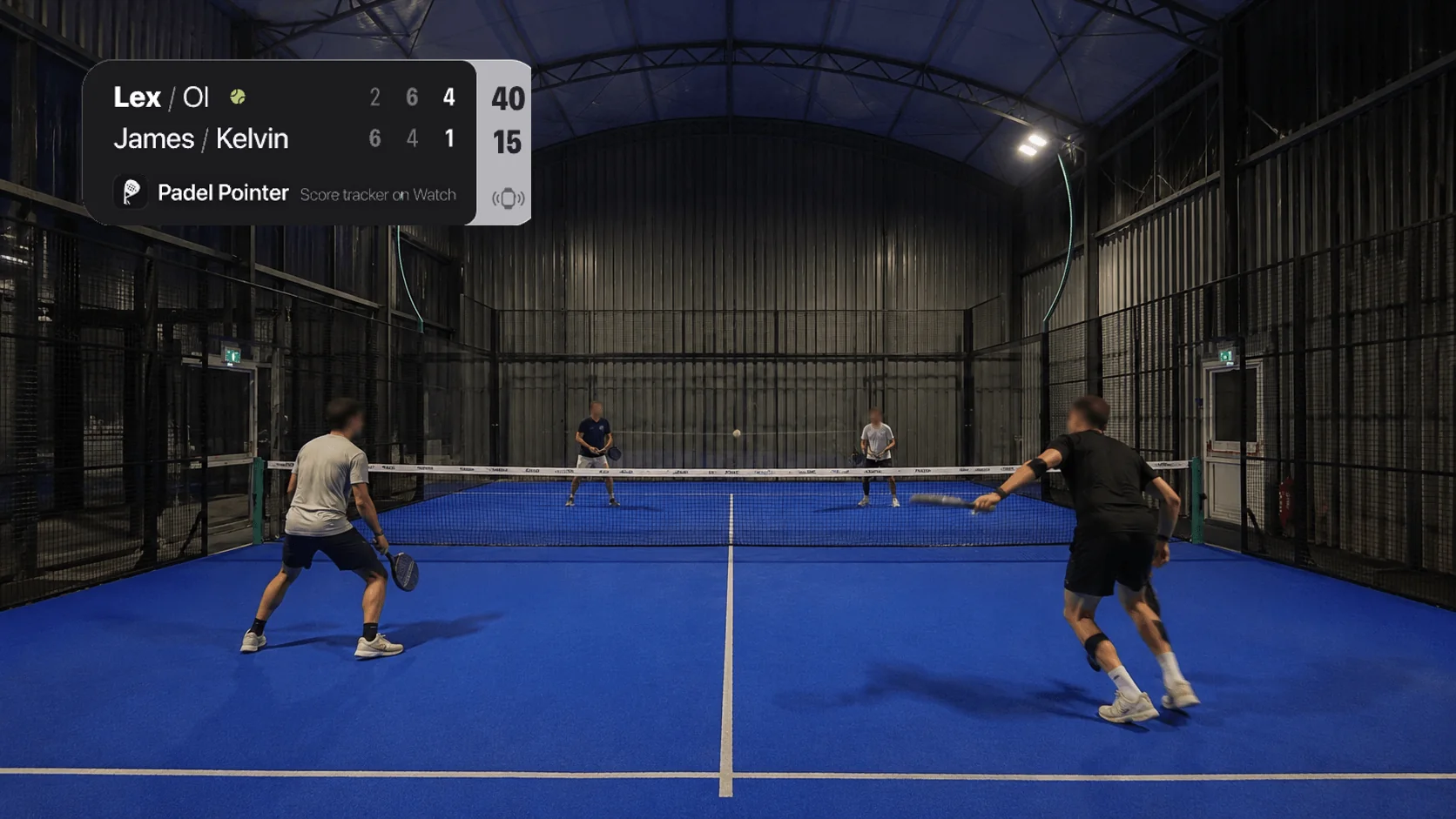
How to add a scoreboard to a padel video
Padel Pointer Studio is a web workspace that turns Watch-recorded match data into a transparent video scoreboard. Score once during the match, then use the same timeline in your edit.
- 1
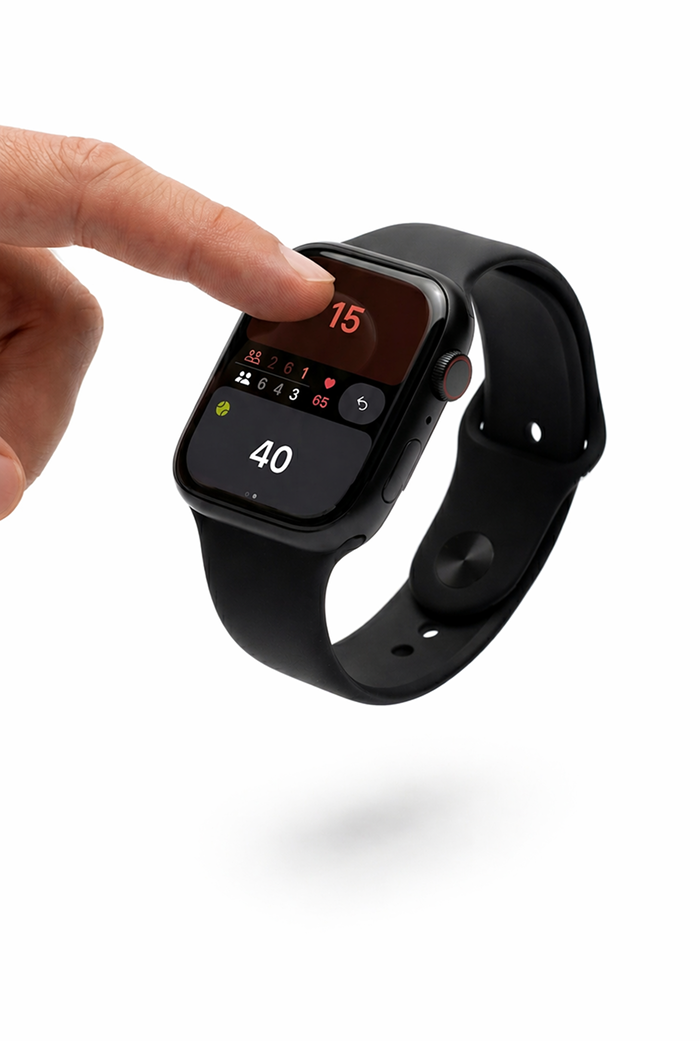
Score on your wrist
Tap each point in Padel Pointer on Apple Watch while the camera keeps rolling. The match score and timing are captured together.
- 2
Send the match
Once the match reaches your iPhone, choose it for Studio. You stay in control of which matches leave the app.
- 3
Place it above your footage
Style and time the scoreboard, export the transparent video, and add it as the top layer in your usual editor.
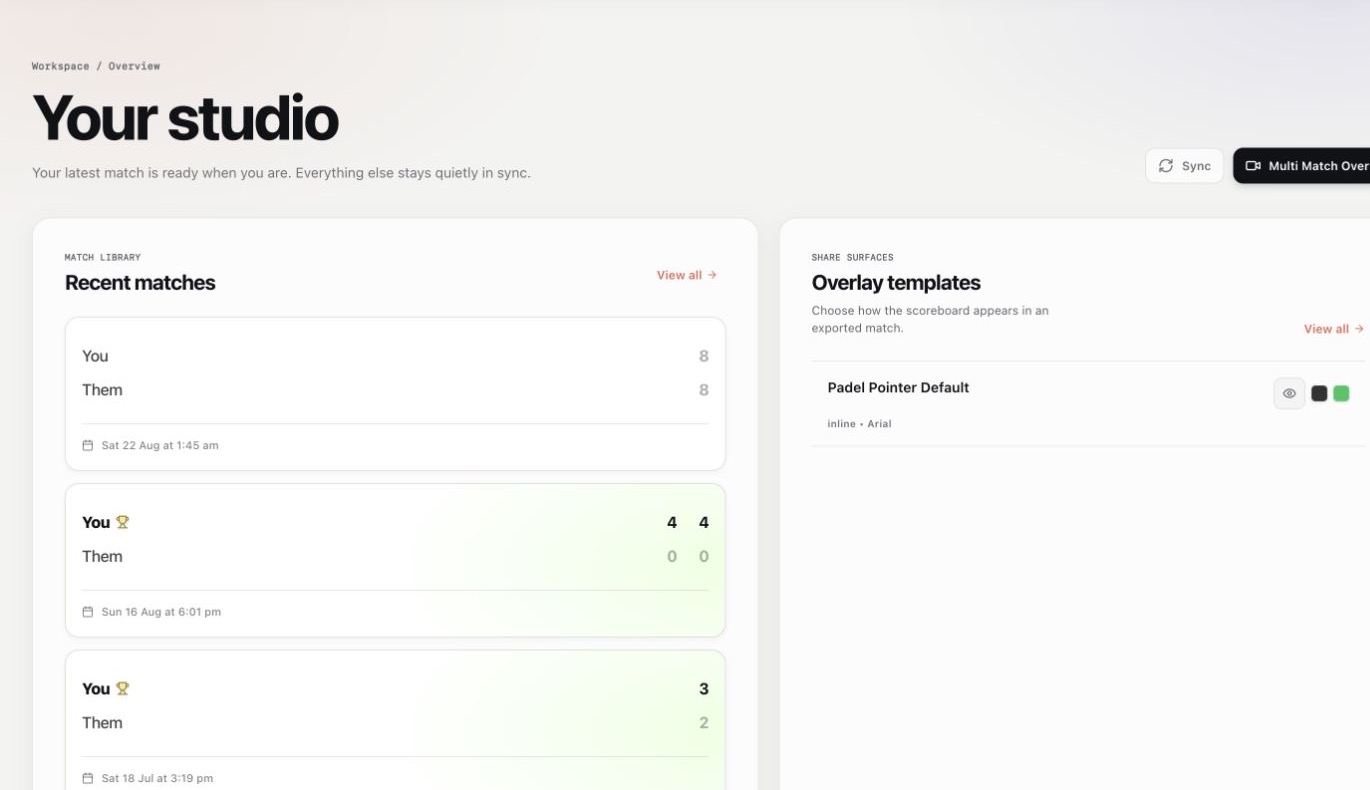
A workspace for the edit after the match
The scoreboard is already keeping up.
Open the match in Studio, choose how the scoreboard looks, and align it with the moment your camera started recording. The point sequence is already there.
Less rebuilding.
More finishing.
- Real scoring data
- Every change comes from the padel match you recorded, not a score rebuilt after the fact.
- Recording-time alignment
- Use the original video start time to line up the overlay with the match.
- Creator-ready layouts
- Choose a template, add four player names, and position the scoreboard for 16:9 or 9:16 video.
- A clean editing handoff
- Download a transparent .mov inside a ZIP, ready for the video timeline you already use.
Made for the footage you actually publish.
Use Studio for full-match YouTube videos, competitive highlights, coaching footage, and vertical social edits. Pick a layout for the frame, keep the score readable, and carry the match story into the final cut.
Create your Studio accountPadel video scoreboard questions
Clear answers before you record your first match.
What is a padel scoreboard overlay?
A padel scoreboard overlay is a graphic layer that shows the current score, sets, serving team, and player names over match footage. Padel Pointer Studio creates that layer as a transparent video, ready to place above your recording in a video editor.
How do I add a scoreboard to a padel video?
Film the match while recording every point in Padel Pointer on Apple Watch. Send the completed match from your iPhone to Studio, choose a scoreboard style, align it with the recording start time, then add the exported transparent .mov file above your footage.
Which video editors work with Padel Pointer Studio?
You can use the exported transparent video in editors that support layered video with transparency, including Final Cut Pro, DaVinci Resolve, Adobe Premiere Pro, and CapCut. Import your match footage, then place the scoreboard on the track above it.
Does Studio analyse my match video?
No. Studio does not upload or analyse your footage. It builds the scoreboard from the score and point timing you recorded on Apple Watch, so your original video stays in your editing workflow.
Do I need an Apple Watch?
Yes for the current video scoreboard workflow. Scoring each point on Apple Watch gives Studio the score changes and timestamps it needs. The match syncs to your paired iPhone first, and you choose whether to send it to Studio.
Can I use Studio for a live stream or OBS overlay?
Not currently. Padel Pointer Studio creates overlays for recorded matches and post-production editing. It does not provide a live browser source for OBS or other streaming software.
Ready for the full setup? Follow the step-by-step Studio guide.
From first point to final cut